


.svg)

Inclusive, accurate, and secure microlearning content
Create professional and inclusive learning experiences with author-verified AI translations, intelligent short-answer evaluation, and accessibility and security enhancements.
As a part of our commitment to helping businesses unlock their people's greatest potential through customized learning experiences, we are excited to announce the latest enhancements to MicroBuilder®. This update allows the creation of more inclusive, accurate, and secure microlearning content:
🚀 Release Highlights & Key Enhancements
AI Translation Editing:
Easily review, edit, and manage AI-generated content directly within the editor.
- Human-in-the-Loop Editing: Authors refine AI-translated text for perfect local accuracy manually.
- Intelligent Edit Tracking: Automated "Manually Edited" flags identify which languages have been human-verified.
- Safe Re-Translation: Choose to "Keep Changes" or "Overwrite" manual edits when updating content via AI.
- Distraction-Free UI: Non-source languages display a simplified interface that hides complex layout controls.
- Comprehensive Text Support: Edit everything from body blocks and quiz questions to video captions and flashcards.
- Persistent Metadata: Manual edit status remains saved across sessions and through the publishing process.
- Visual Status Indicators: Clear "Edited" badges provide an at-a-glance status for every language.
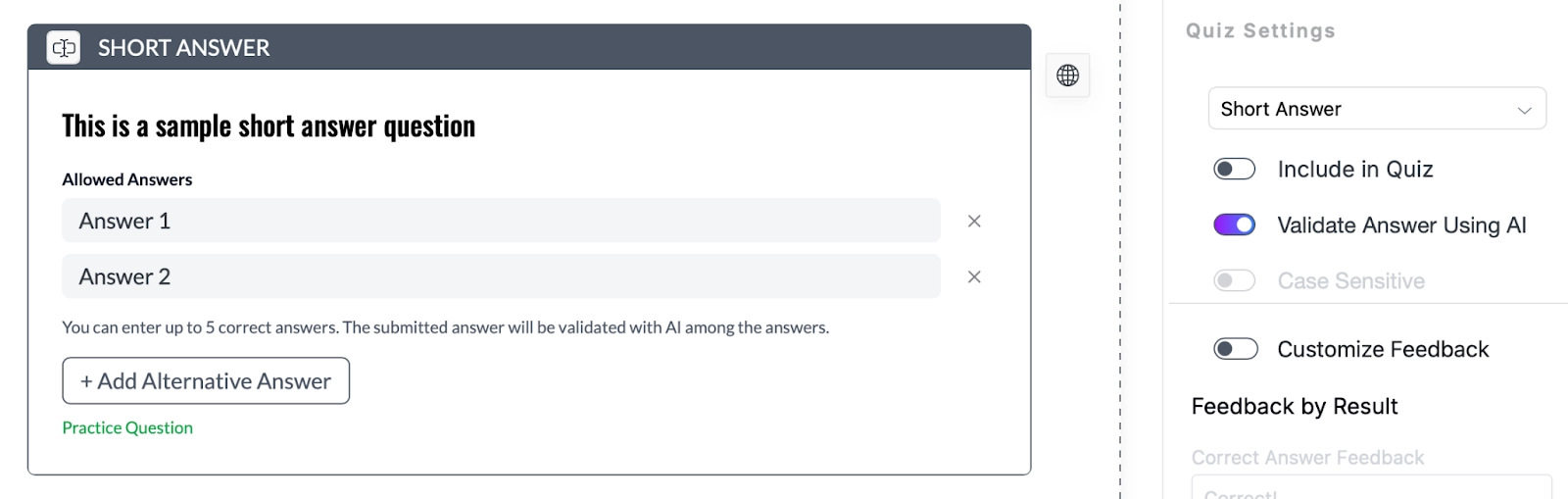
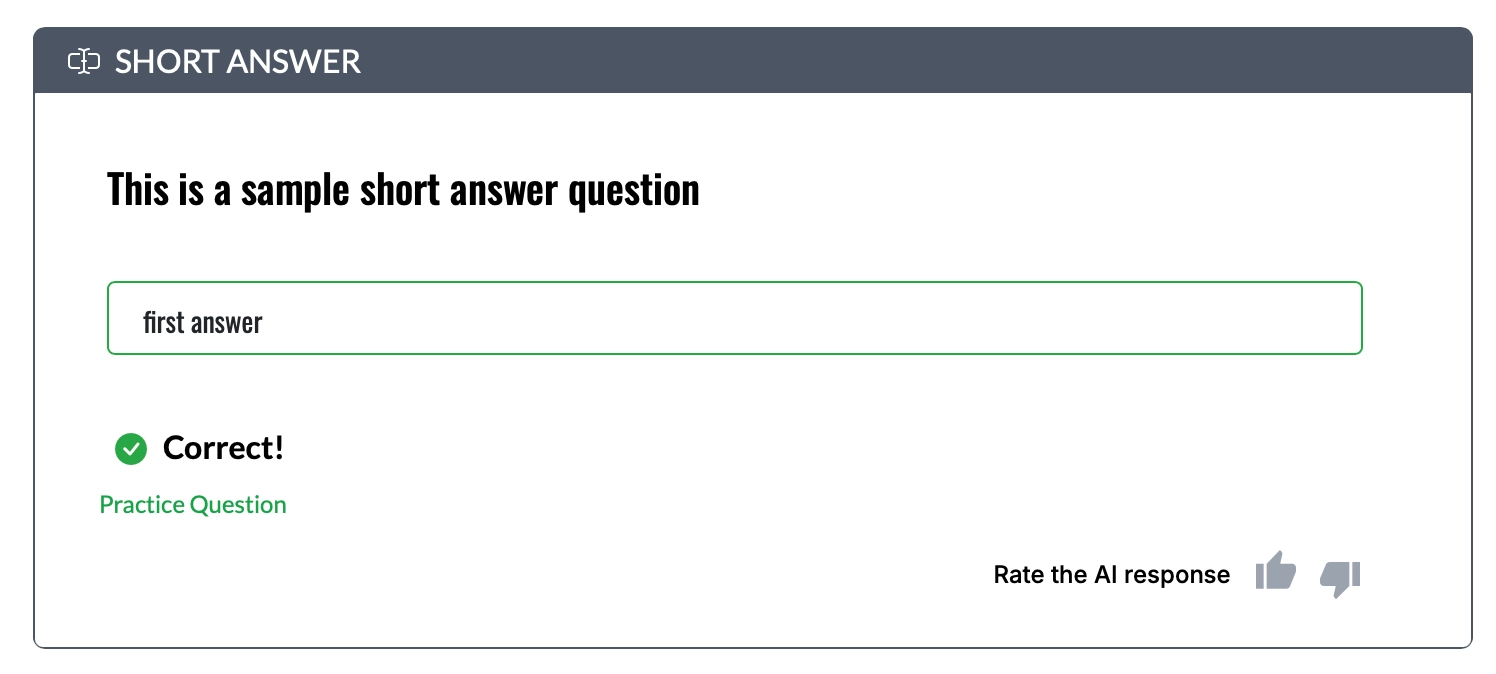
AI-Powered Answer Evaluation:
Short-answer questions now include AI-powered evaluation and personalized feedback for learners.
Stronger Accessibility Support:
Deliver a more inclusive learning experience with enhanced accessibility features built into published content.
- Keyboard Navigation: Fully navigate the course player (menus, popups, interactions) using only a keyboard, with a clear focus indicator.
- Screen Reader Support: Improved accessibility with semantic structure, ARIA landmarks, and a “Skip to Content” option.
- Improved Readability: High-contrast text meets WCAG 2.1 AA standards for better visibility.
- Beyond Color Indicators: Important messages now include icons and labels, not just color cues.
- Responsive & Zoom-Friendly: Supports up to 200% zoom and works seamlessly across devices.
- Assistive Text Enhancements: Added alt text for images and automatic announcements for dynamic updates.
- Better Forms & Interactions: Clear labels, improved input associations, and easier-to-understand error messages.
Parallel Login Controls:
Re-enabled to support SOC 2 compliance and strengthen account security.
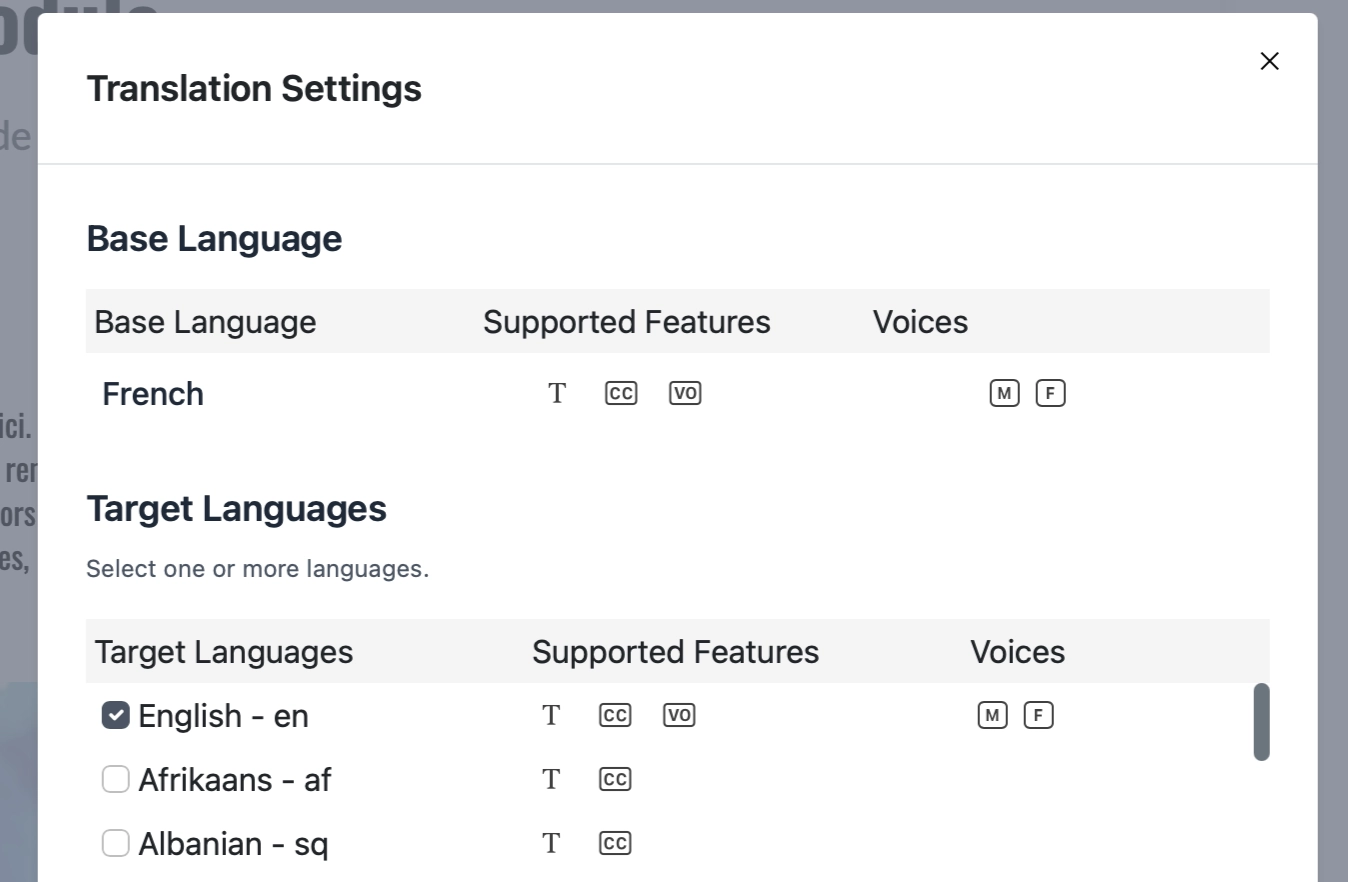
Mandatory Base Language Selection:
Required when using the “Skip AI” workflow for better consistency.
Improved Flashcards:
Optimized image positioning for a cleaner, more engaging look.
Clearer Question Types:
Better visual distinction between “Scored” and “Check Your Understanding” questions.
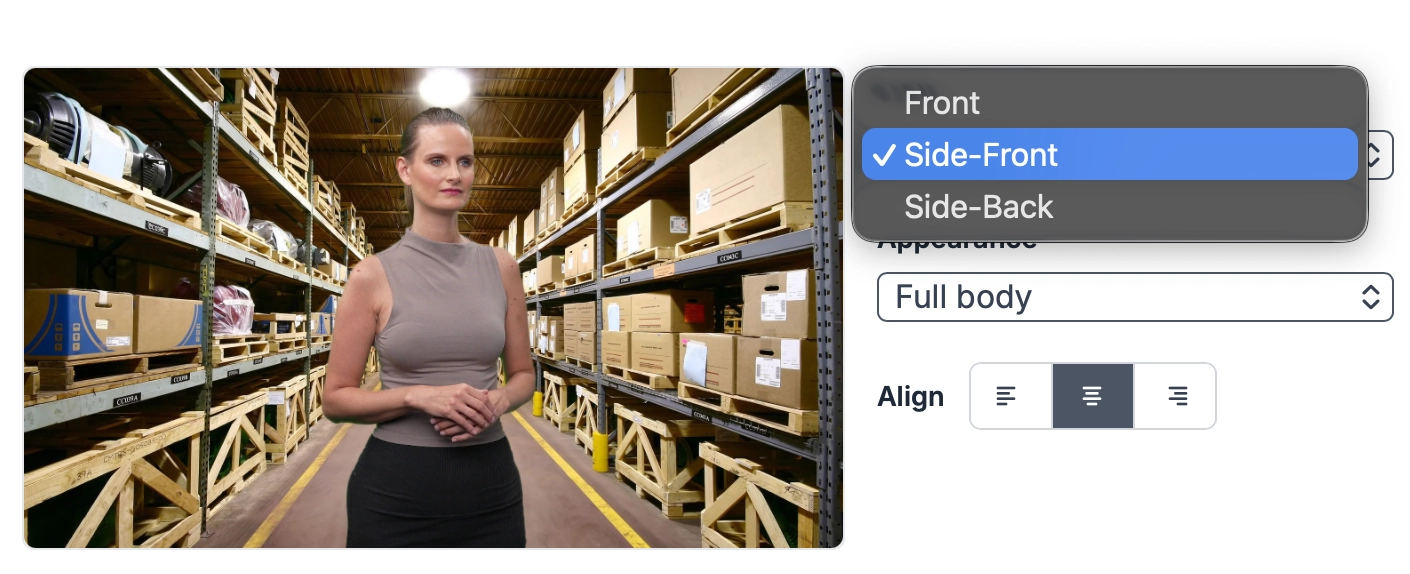
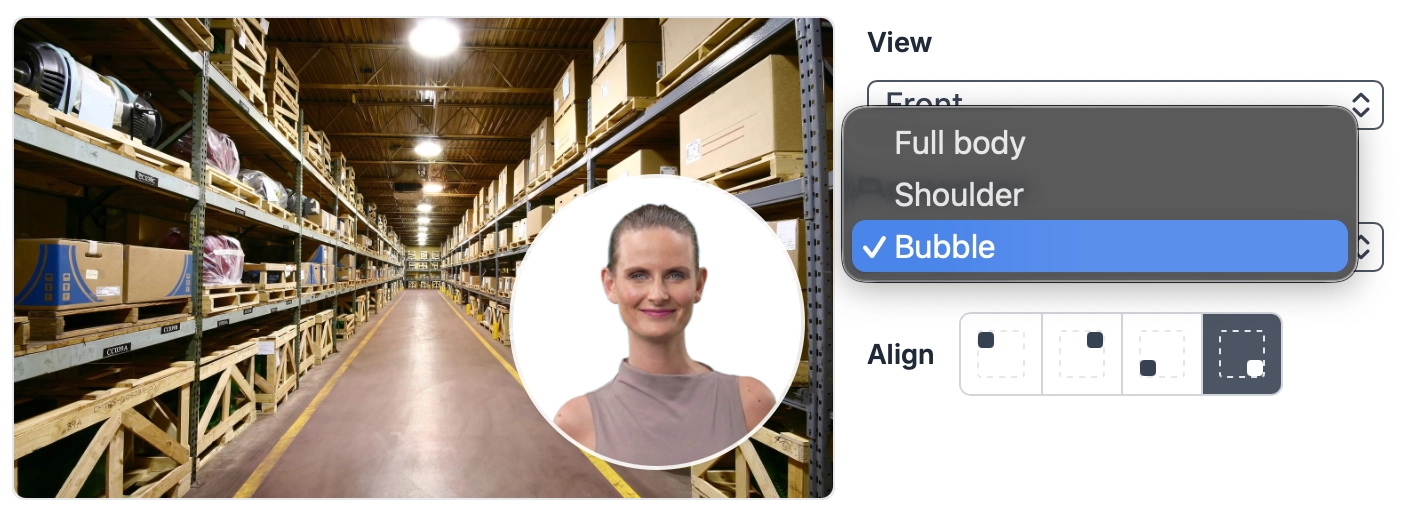
Avatar Generator Enhancements:
Greater control over avatar appearance and positioning.
Audio Script Fine-Tuning:
Extended controls for editing audio transcripts used in Avatar and Text-to-Speech generation.
Log In Today to try these out!


